iOS
iOS 14

We've added iOS 14 to the TestingBot Grid: both simulators and physical devices (iPhone 11) are now available for Automated and Manual Testing!
Stay up-to-date with TestingBot's latest product updates.
No updates match your filter.
We've added iOS 14 to the TestingBot Grid: both simulators and physical devices (iPhone 11) are now available for Automated and Manual Testing!

TestingBot adds Cypress Testing support. You can now run your Cypress tests on the TestingBot browser grid. Run Cypress Tests on macOS and Windows 10. Receive instant test results, screenshots, and a video of all your Cypress tests.

We've added the latest versions of Firefox, Chrome, Edge and Opera. Happy Testing!
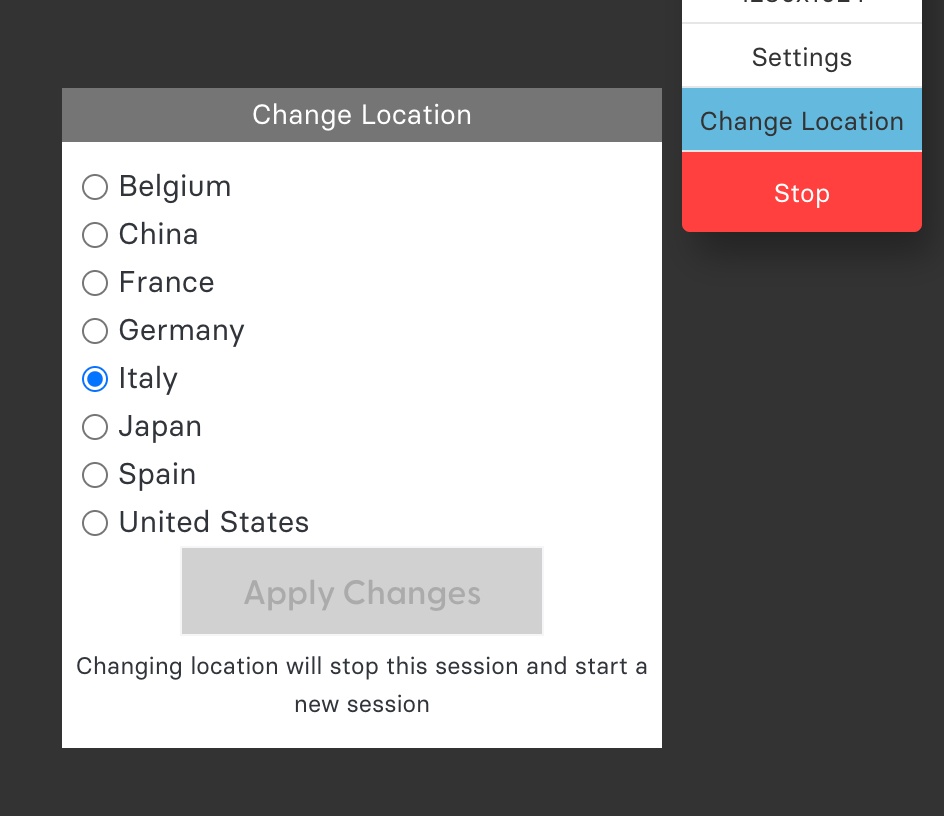
You can now change your geo-location during testing. Test your website from a different geographical location:

We've added Chrome 89 and Microsoft Edge 89 to the browser grid. Happy Testing!

Run Puppeteer scripts on the TestingBot browser grid! More info: on our Puppeteer blog article.
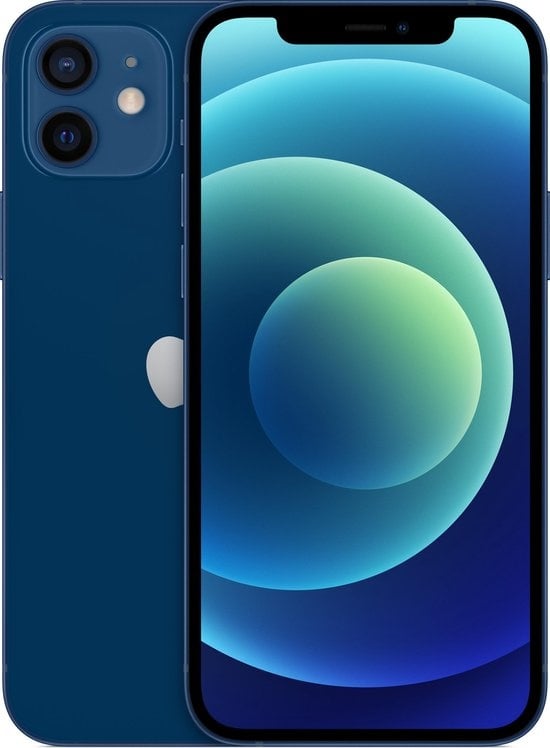
We've added iPhone 12 to our Physical Device offering. Test your website and mobile apps on iPhone 12, with automated and manual testing.
iPhone 12 comes with iOS 14.5, which brings the new Safari 14.1
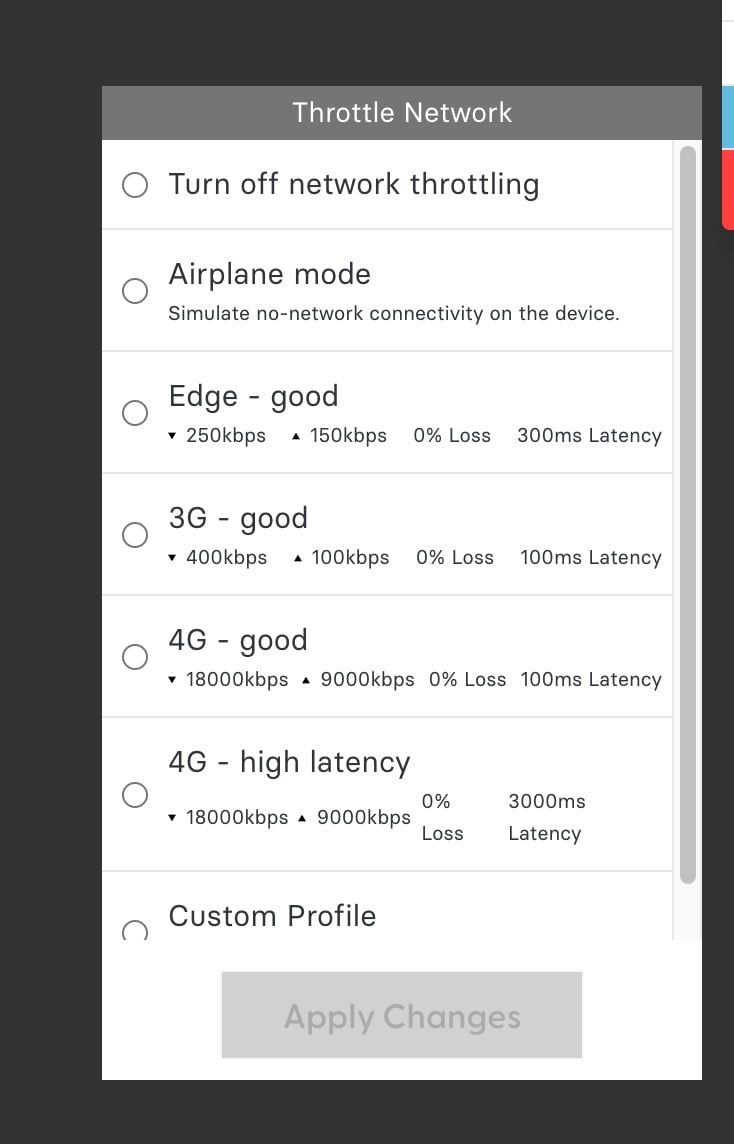
We've added a Network Throttling feature for the Physical Mobile devices (iOS and Android). When you start a new manual session with a device, you'll now be able to change the network speed of the device on the fly.
Switch between Airplane Mode (no connectivity), 3G, Edge, 4G or a custom speed during your manual test. Test how your app or website behaves with different bandwidth speeds.
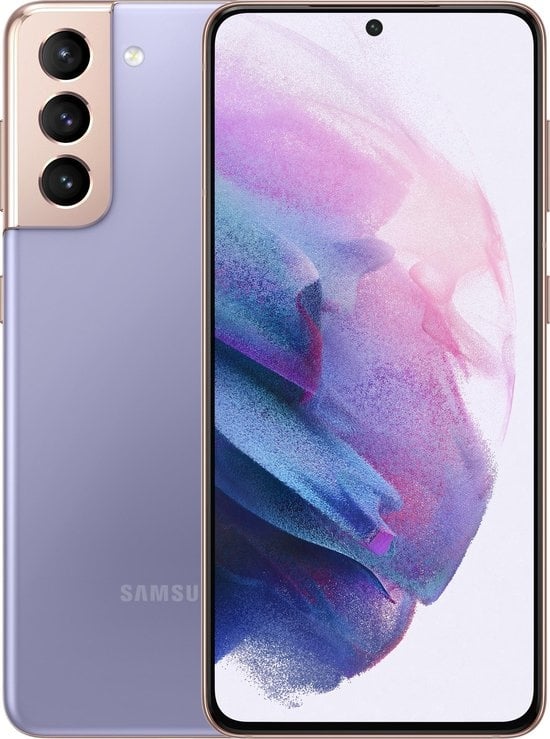
Samsung Galaxy S21 - Physical Device - has been added for Manual and Automated (App) Testing. Enjoy!
3 new browser versions have been added!
The latest Firefox (89), latest Chrome (91) and latest Microsoft Edge (91) are now available for automated and manual testing. Note: we currently use chromedriver 90 for Chrome 91, until this Chromedriver bug is fixed.

We're excited to add pinch-to-zoom functionality to our physical devices.
In manual testing, press the ALT key on your keyboard while dragging your mouse, to pinch/zoom on iOS and Android physical devices.