Product Updates

Stay up-to-date with TestingBot's latest product updates.

August 2026

Vibium browser automation

TestingBot now supports Vibium, the open-source browser automation tool built for AI agents. Point the Vibium CLI or its MCP server at our grid and your agent drives a real cloud browser over WebDriver BiDi: no extra configuration, and every session comes back with the usual video and logs. Client libraries for JavaScript, Python and Java are covered in the documentation.
Android

Samsung Galaxy Tab S11 in the real device cloud

The Samsung Galaxy Tab S11 is now available as a physical device for live and automated testing. Test your app or website on a real Android tablet, next to the phones already in the cloud, and catch the layout issues an emulator will not show you.

July 2026

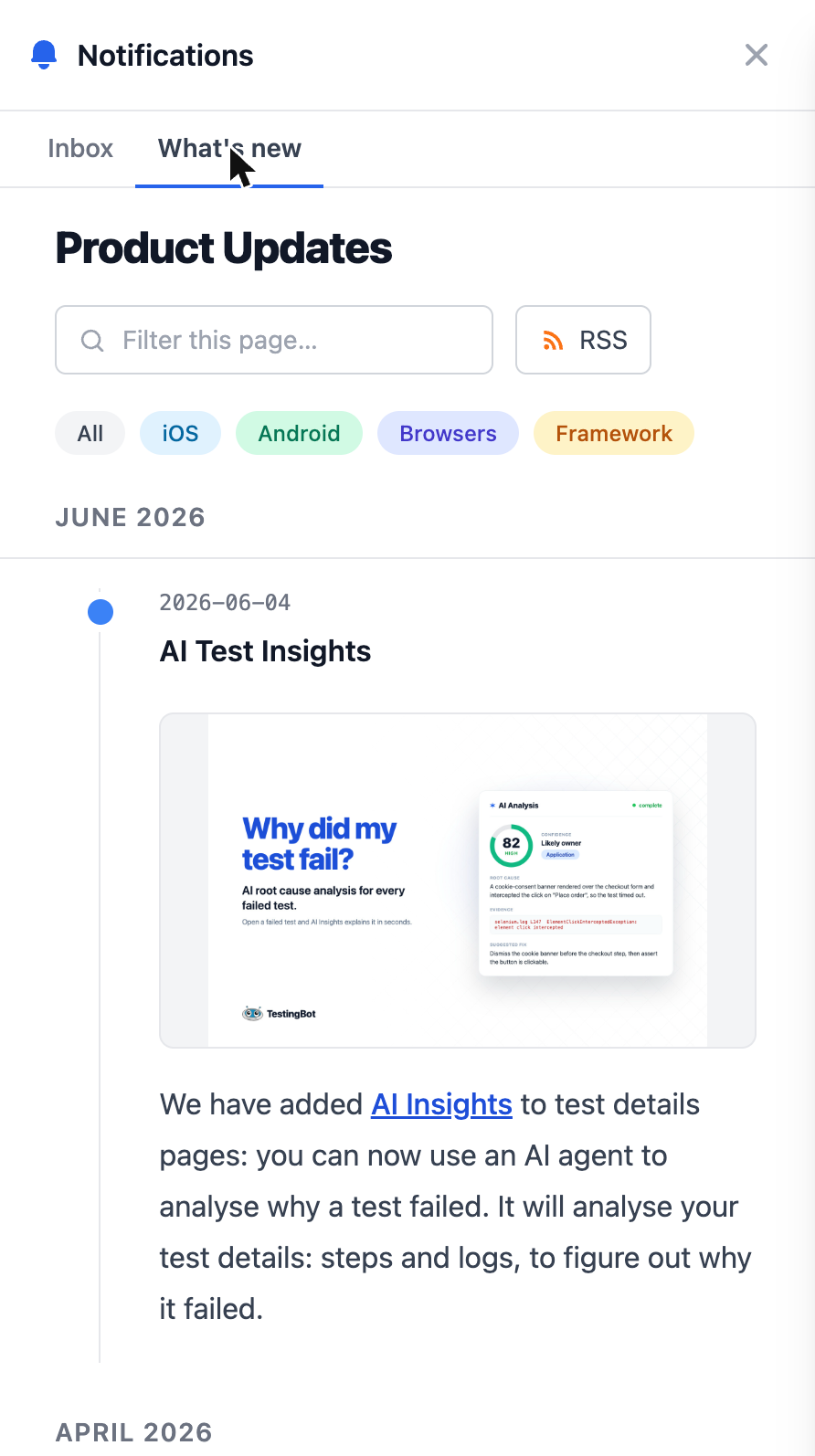
Notifications in the dashboard

Notifications in the dashboard

The bell in the top bar now opens an inbox: @mentions on test comments, alerts about your account, and this Product Updates feed under "What's new".

Browsers

Chrome 150 and Edge 150

Chrome 150 and Microsoft Edge 150 are now available for automated, live and visual testing.

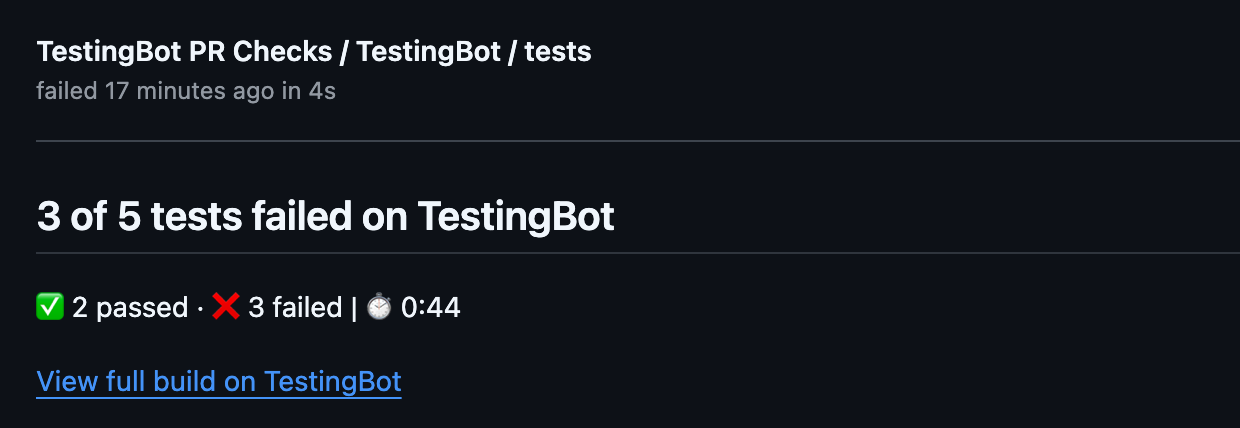
GitHub pull request checks

GitHub pull request checks

Install our GitHub App and every pull request gets a TestingBot check: pass or fail, the number of tests, and a link to the results. Failures are commented on the pull request with the failing test and its video.

DevTools while you test live

The Web Inspector in live mobile web sessions has been rebuilt. Dock it at the bottom or on the left, drag to resize, or pop it out into its own window. The device now reserves its own space instead of being covered, and rescales as you drag. Console, network and elements stay open while you keep interacting with the page.

iOS

Faster live testing on iOS simulators

Live app testing on iOS simulators now streams over WebRTC. Sessions start faster, the video is sharper, taps and swipes land with far less delay, and the session renders inside a real device frame.

Since 14 July this is the default for every iOS 18 and newer simulator.

Gradle plugin for Espresso

Our new Gradle plugin uploads your app and test APK and starts an Espresso run as part of your build. One task, instead of a curl script.

Insights API

The new Insights API exposes the numbers behind your dashboard: pass rate, duration trends, flaky tests and error breakdowns, per build or over time. Wire it into your own reporting or use it as a gate in CI. See the API reference.

June 2026

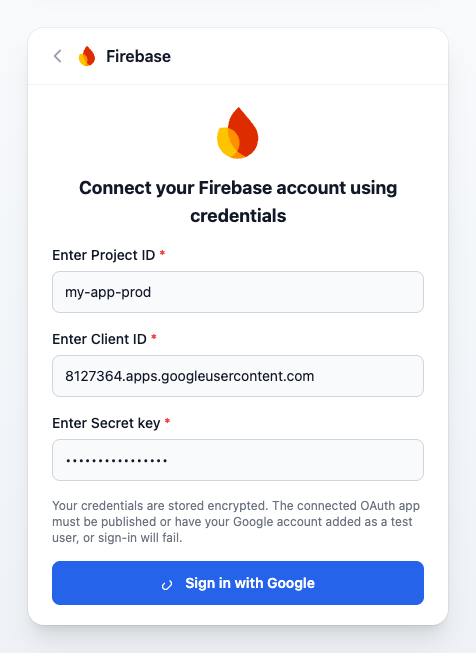
Firebase App Distribution and Fastlane

Firebase App Distribution and Fastlane

Two new ways to get your app onto our device cloud. Connect Firebase App Distribution and pull a build straight from your Firebase project, or upload from your existing lane with the Fastlane plugin.

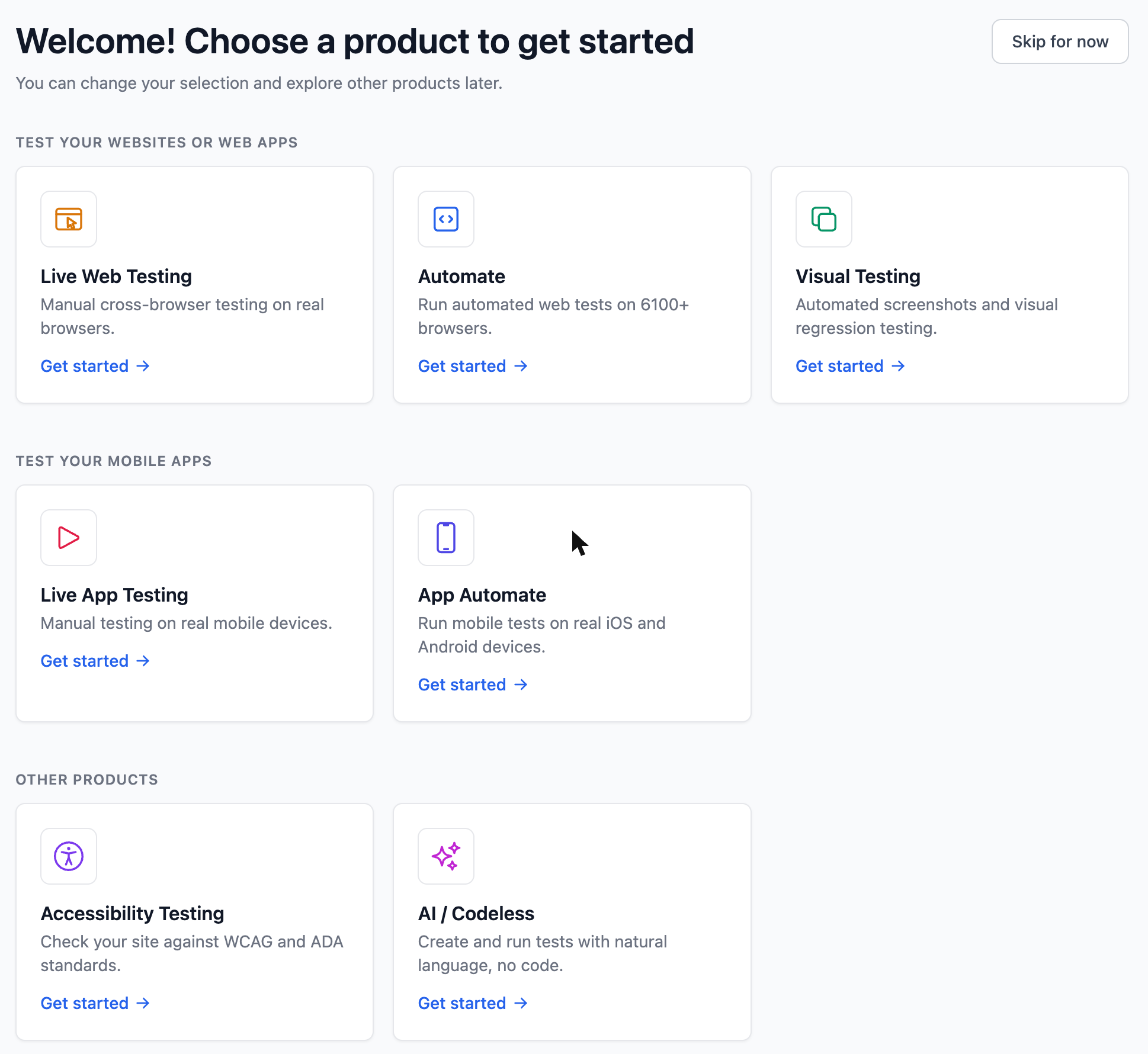
Quick Start guides in the members area

Quick Start guides in the members area

New accounts now get a Quick Start in the dashboard: pick what you want to test and we walk you through your first run step by step, with copy-paste examples for your framework. Your progress is saved, so you can leave and pick up where you stopped.

Link copied