Product Updates

Stay up-to-date with TestingBot's latest product updates.

June 2026

Ask AI in the documentation
Ask AI in the documentation

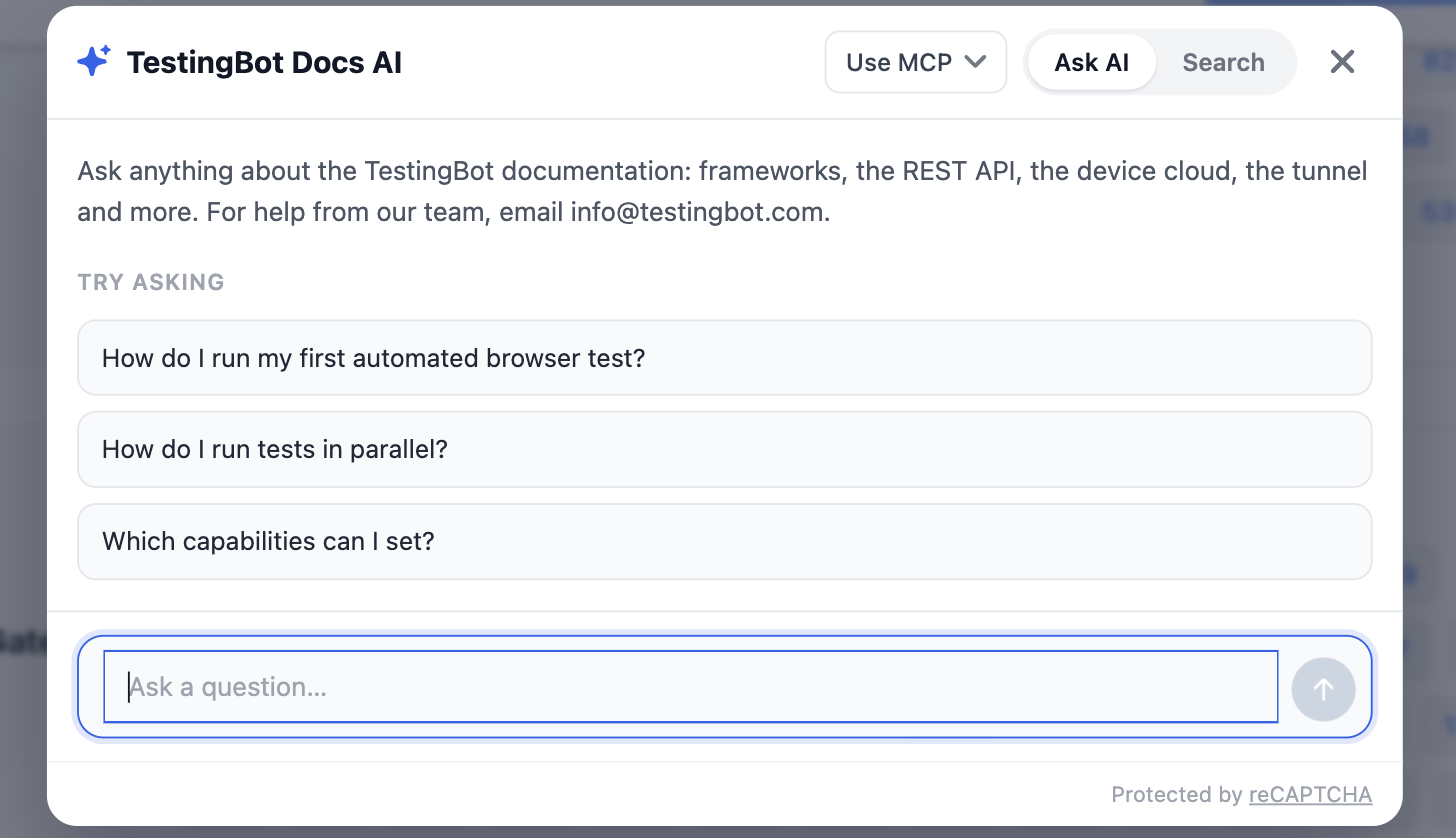
Every documentation page now has an Ask AI button. Ask a question in plain language and it answers from our documentation, with links to the pages it used and the answer streaming in as it is written.

The same assistant is available inside the members area for questions about your own account and tests.
Browsers

Chrome 149, Firefox 152 and Edge 149

Chrome 149, Firefox 152 and Microsoft Edge 149 and 150 are now available for automated, live and visual testing on our Windows, macOS and Linux platforms.

Custom roles and permissions

Custom roles and permissions

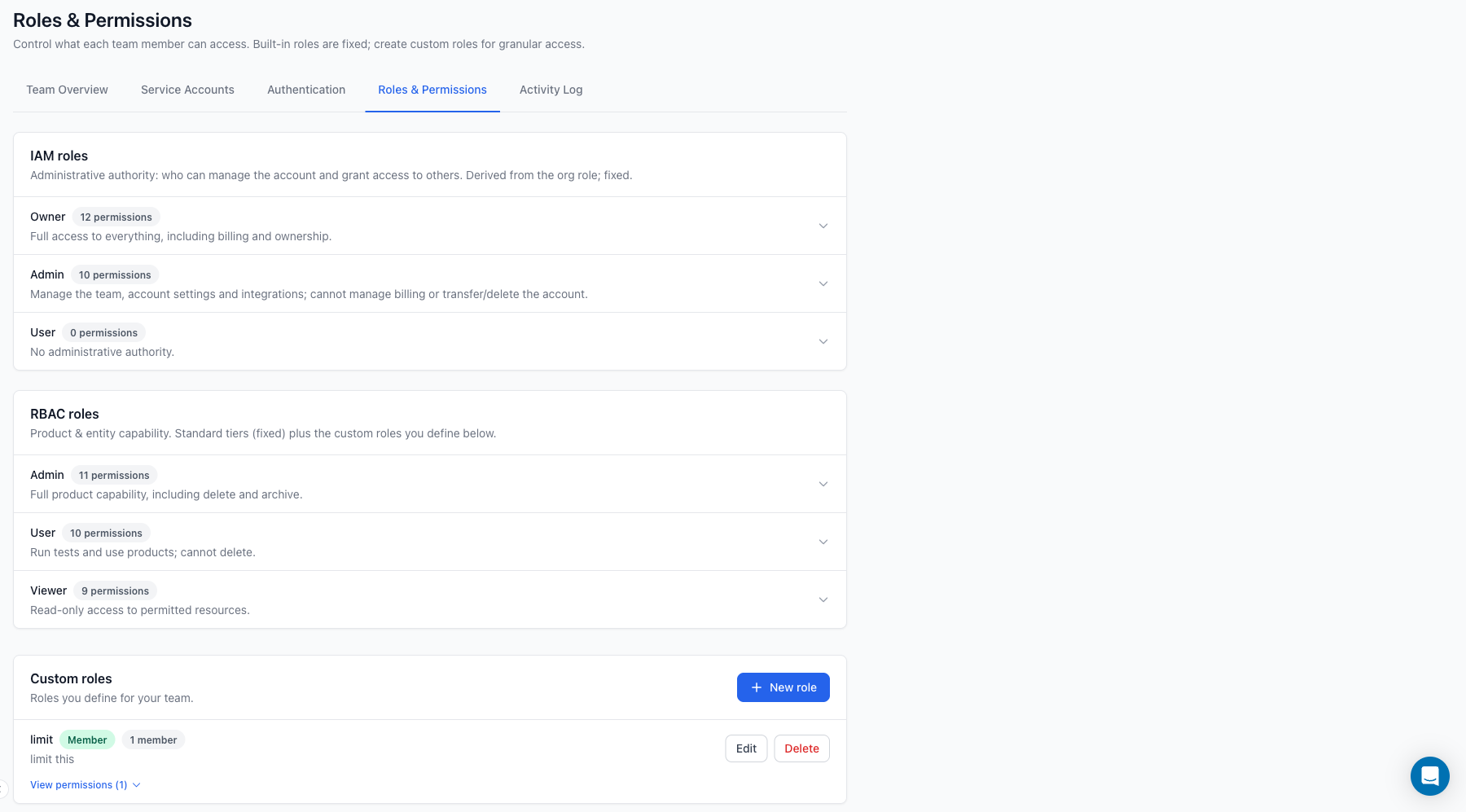
Team access is now permission based. Next to the built-in Admin, User and Viewer tiers you can define custom roles: pick exactly which products a role can reach and what it may do, then assign it per member.

The same rules are enforced in the dashboard and in the REST API, so a read-only member stays read-only wherever they connect.

Comments on test results

Comments on test results

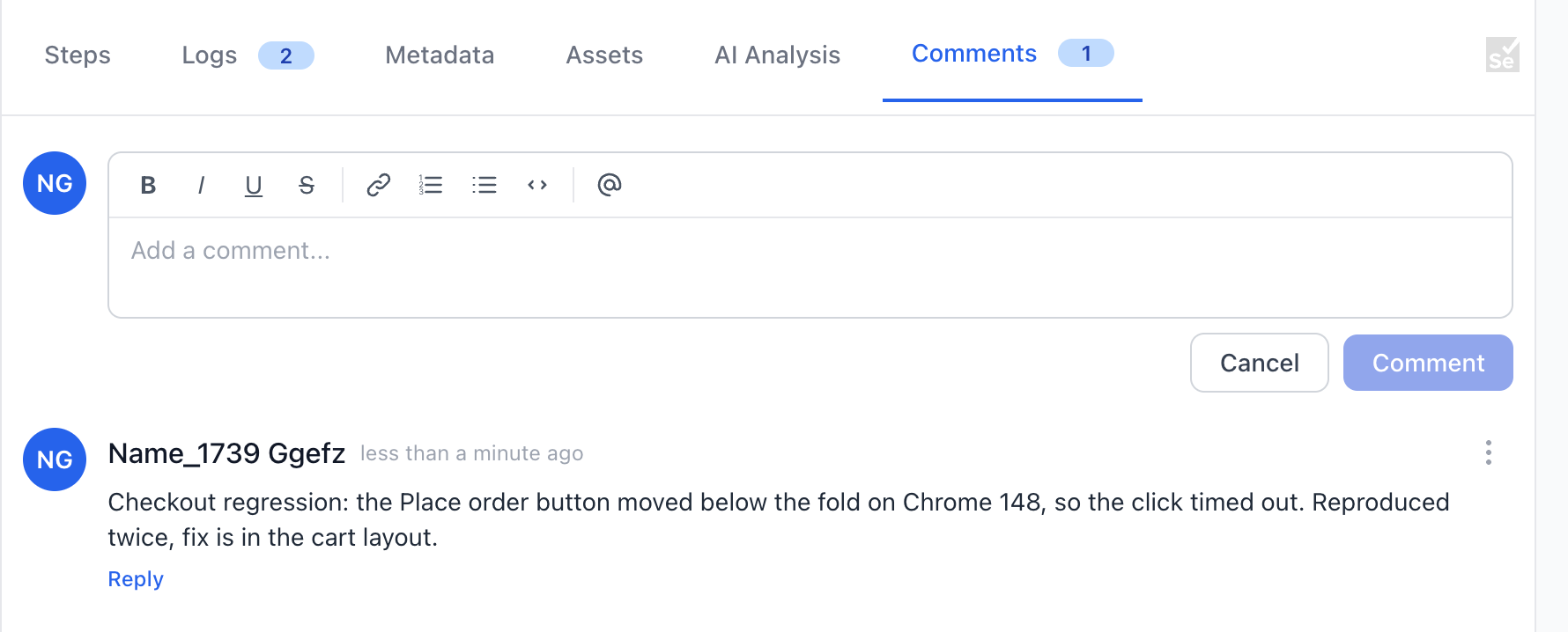
Test results now have a Comments tab. Leave a note on a failed run and @mention a team mate to notify them, so the discussion about a failure lives with the failure instead of in a chat thread nobody can find back.

Report a bug straight into your issue tracker

Report a bug straight into your issue tracker

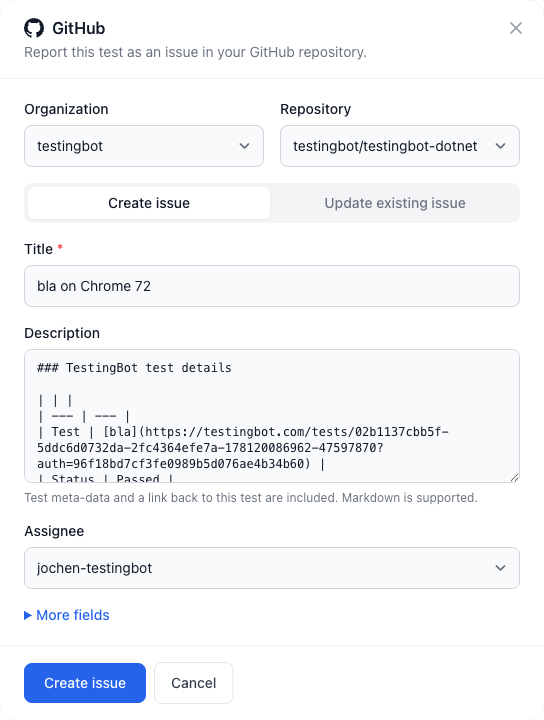
From any test result you can now file a bug in GitHub, Jira, Trello, Asana or Azure DevOps without leaving TestingBot.

The issue is created with the test name, the failure and a link back to the session, and the link is kept on the test, so you can jump between the two later.

macOS Golden Gate (27.0) now available in beta

macOS Golden Gate (27.0) now available in beta

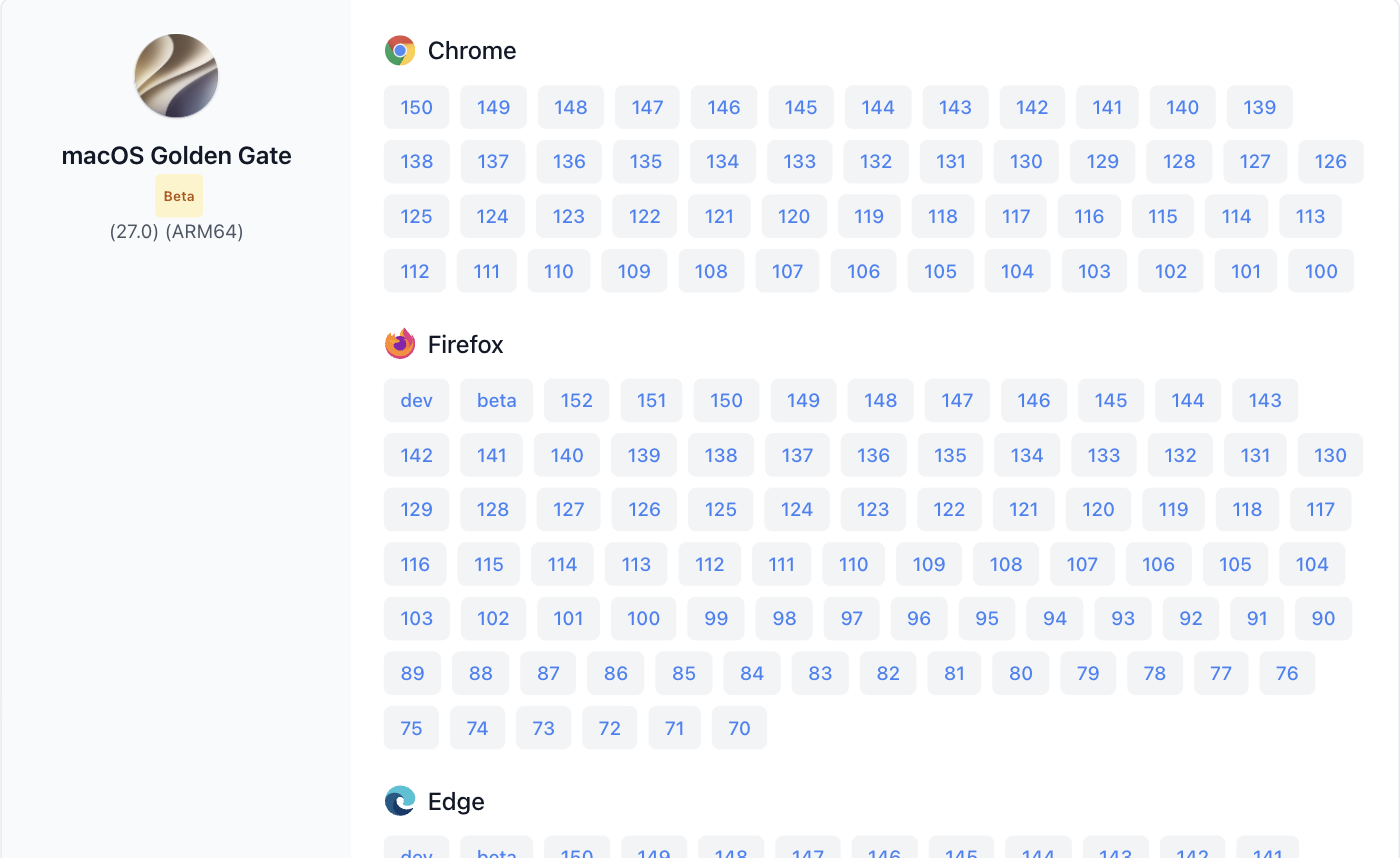
macOS Golden Gate (27.0, ARM64) is now available in beta for live and automated testing, including Safari 27 and the latest Chrome, Firefox and Edge. Select it with platform: "GOLDENGATE", or pick it from the live testing screen. See the full list of browsers.

Enforce two-factor authentication for your team

Enforce two-factor authentication for your team

Account owners can now require two-factor authentication for everyone on the team. Turn it on under Team authentication: existing members get a seven day grace period to enrol, new members are prompted at their first login, and admins can reset a member's second factor when they lose their device.

Service accounts

Service accounts

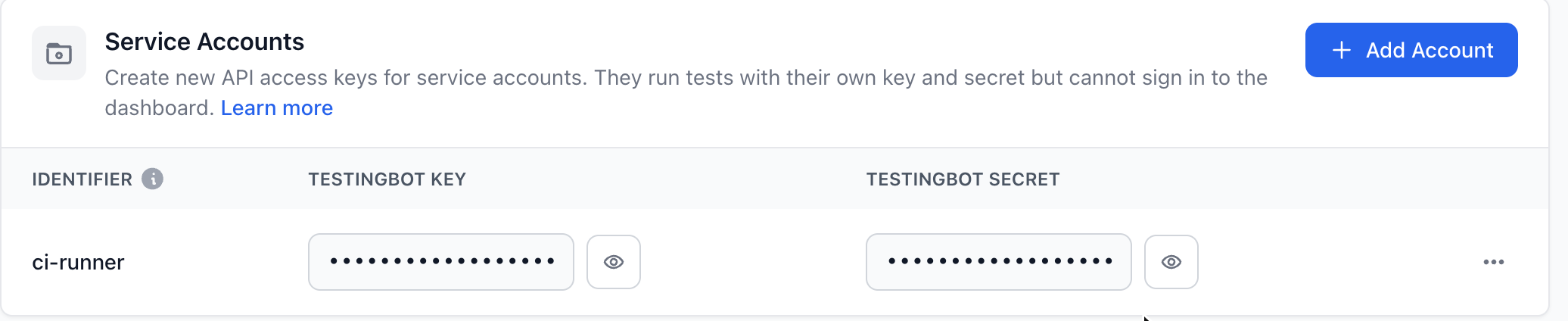
You can now create service accounts: API-only child accounts with their own key and secret, no password and no dashboard login. Use them for CI, so a pipeline never runs on a person's credentials and revoking access is one click. Create one under Service Accounts.

AI Test Insights

AI Test Insights

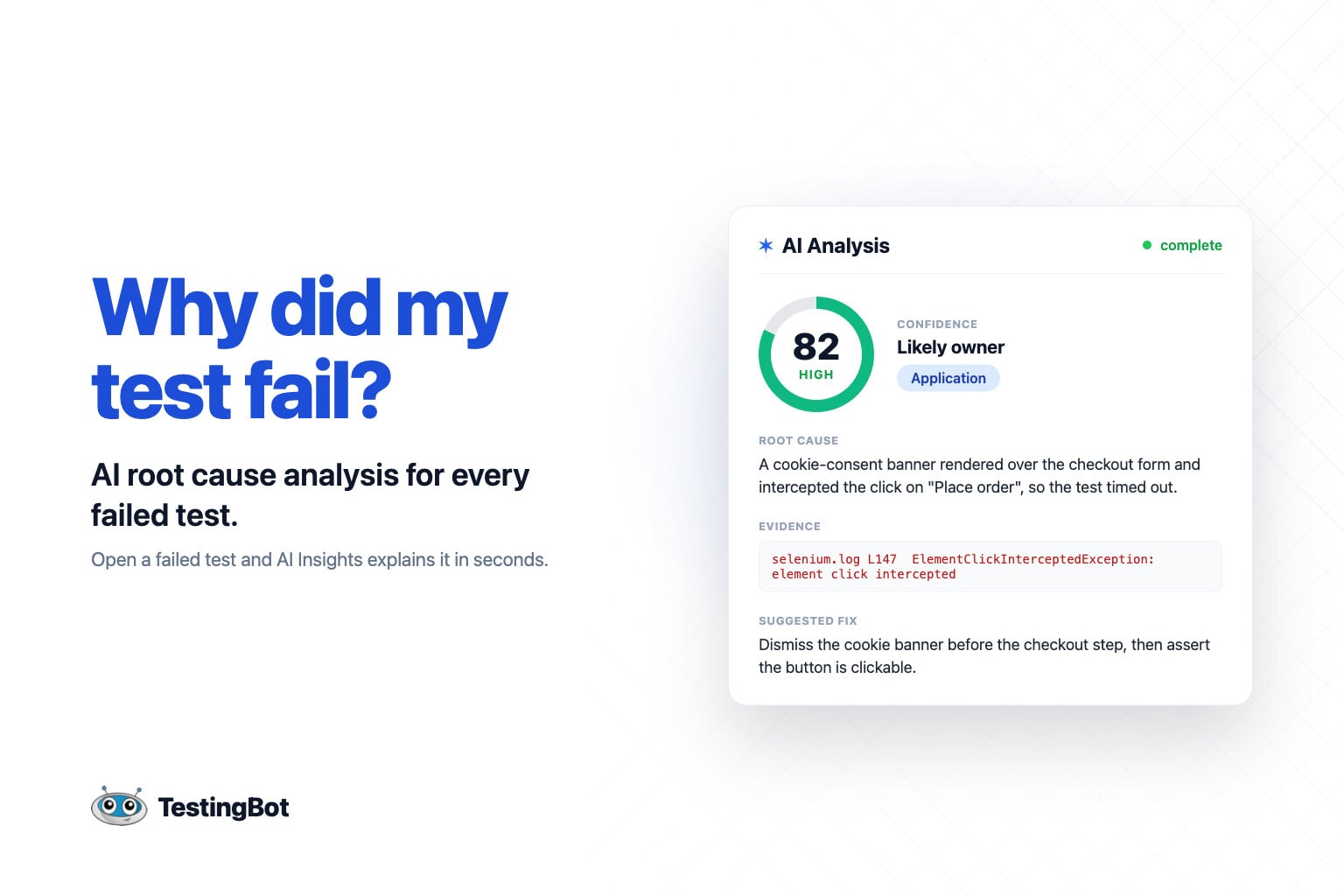
We have added AI Insights to test details pages: you can now use an AI agent to analyse why a test failed. It will analyse your test details: steps and logs, to figure out why it failed.

July 2026

Embeddable build reports for CI

Embeddable build reports for CI

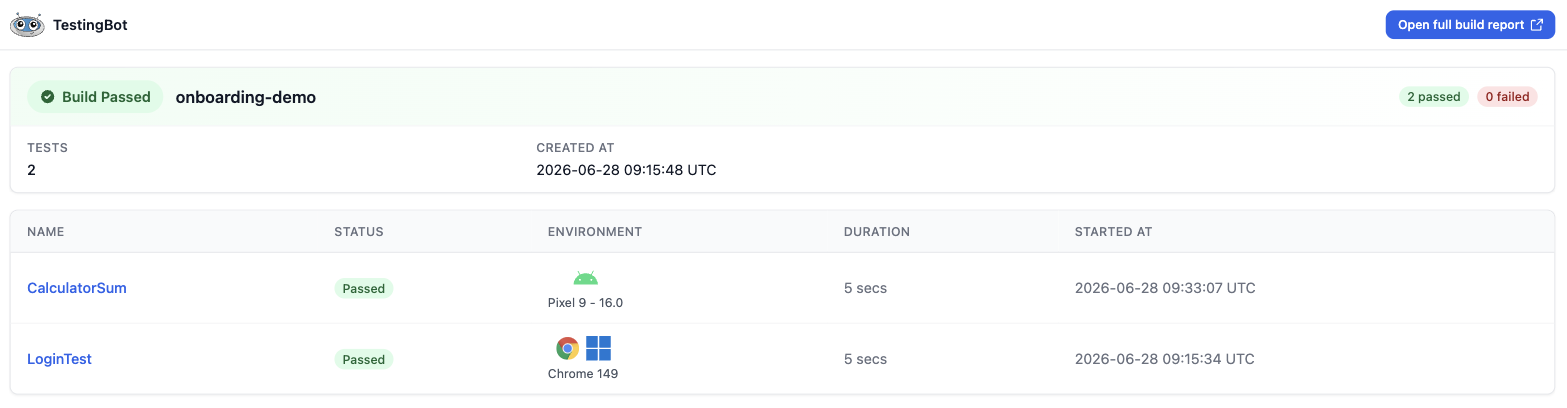
Every build now has a compact, embeddable report at /mini/builds/<client_key>/<build_id>. Drop it in an iframe in your CI dashboard, a pull request comment or an internal wiki and see the build's tests, their status and their videos without logging in.

April 2026

iOS

iPhone 17 Pro Max Physical Device - iOS 26.4

iPhone 17 Pro Max Physical Device - iOS 26.4

iPhone 17 Pro Max physical device is now available for Automated and Live testing. This new device comes with iOS 26.4 installed.

Link copied