TestingBot Blog
TestingBot provides a cloud of browsers and devices, ready to run your Automated, Live and Visual tests.
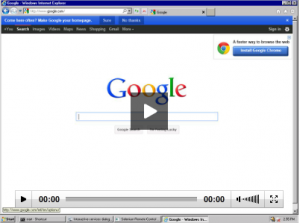
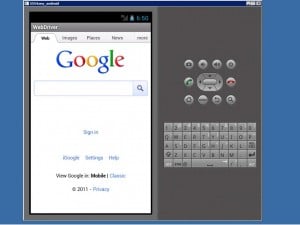
Today we've added Android to our Selenium grid, which means you can now use our grid for mobile testing as well. We've hooked up an Android Ice C...

Today we've added SMS support to our alert options. If a test fails, we can now alert you via e-mail, push notification and SMS.
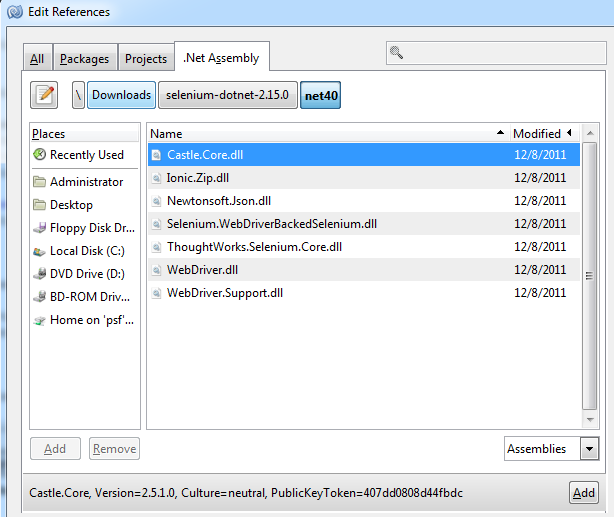
In this blog post we'll highlight how easy it is to start testing websites with .NET framework 4 or .NET framework 3 and C#. NUnit is built for all...
We are pleased to announce that we have updated our Selenium grid to the latest Selenium version, 2.16.1 Changes include improved stability and b...

Selenium SSL/HTTPs support
2012-01-02Today we've added SSL support to our Selenium grid, you can now test HTTPs pages without problems. Self-signed and regular SSL certificates should ...
Creating a Selenium test from scratch
2011-12-27In this blogpost we'll talk about creating your first Selenium test, running the test on your own computer and then later run it on several browser...
Taking screenshots with Selenium
2011-12-24As mentioned before on this blog, we use a homemade utility to take screenshots of browser windows. Our tool, built in C#, will take a screenshot o...
TestingBot updates
2011-12-23It's been a busy week on TestingBot, here's what we did this week: Updated our grid from Selenium 2.15 to 2.16, the changelog reads:
Capture Network Traffic with Selenium
2011-12-21Today we're examining the captureNetworkTraffic selenium command, a little known gem in Selenium's command list. Selenium offers a feature, captur...